
Showing posts with label Vintage. Show all posts
Showing posts with label Vintage. Show all posts
Red Herring - background and header, they have been designed for Blogger blogs, but you can surely use them in other blogs or websites too.
To instal the header > click image > view image > save image > upload to your blog.
 1. Click the image > view image > save image
2. Go to blogger template designer, upload the pattern and choose alignment up middle and tile.
3. NO scroll with page.
4. Adjust the widths
5. Go to Advanced and choose the other colors. Let your imagination flow!
The background and header have been created with the Red Herring and Luscious Florals Kits from itKuPiLLi Imagenarium @Deviant Scrap.

To instal the header > click image > view image > save image > upload to your blog.


2. Go to blogger template designer, upload the pattern and choose alignment up middle and tile.
3. NO scroll with page.
4. Adjust the widths
5. Go to Advanced and choose the other colors. Let your imagination flow!
The background and header have been created with the Red Herring and Luscious Florals Kits from itKuPiLLi Imagenarium @Deviant Scrap.

Red Herring

Let´s share some fun!
(This is a renewed version of the older button).
And here is a smaller one for sidebar, copy the code and install it into the HTML/Java Script Gadget:

<a href="http://blo64rt.blogspot.com/"><img border="0" src="https://blogger.googleusercontent.com/img/b/R29vZ2xl/AVvXsEhPbDrqDjTYTdk8xeK6SKjH8flgHP9V6gUCnhltRbHJdYjOgKXnlNMHKTjeOSwKSg_iZwv9B-FkqtOmxamtmc9HGyChhEZncT6eKqBJRdupcNDlF0E-u2dJNMhhFWIz6aTs8joKZGP6Efw/s1600/xx+quotes+advice+banner.png"/></a>
Take my advice...

Still Life, barely... ready made header in .jpg format > click image > view image > save image > upload to your blog.

stiLL Life...barely...a header


You can download the Granny´s Attic Header (950 px). Click image > view image and save image to your computer of download it here.
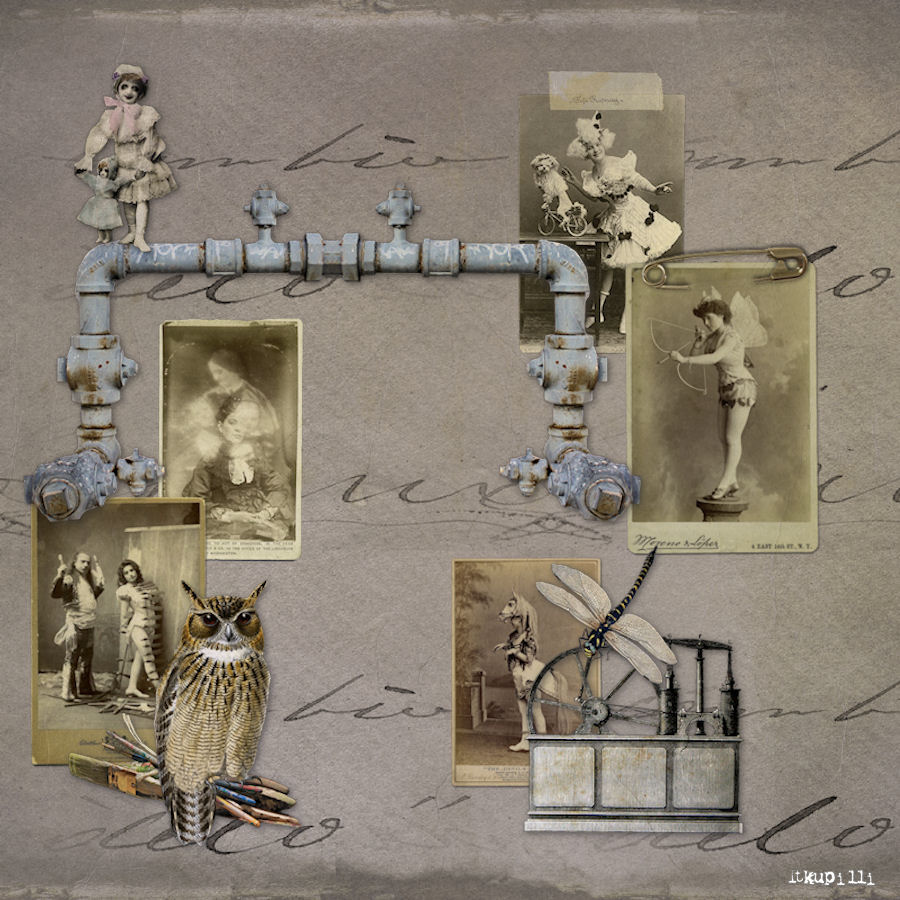
The Granny´s Attic background pattern, click the image > view image > save image to your computer or you can also download it here.

Edit.
Great news, the background and header work fine also with Wordpress-blog. I still wonder, how is it about Typepad? Anyone here willing to try?

1. Download the background pattern here.
2. Go to blogger template designer, upload the pattern and choose alignment up left (usually default)
3. NO scroll with page.
4. Adjust the widths (the most suitable width with the header for Entire blog is 990 px).
4. Go to Advanced and choose the other colors. Let your imagination flow!
Granny´s Attic + edit.
Subscribe to:
Posts
(
Atom
)

